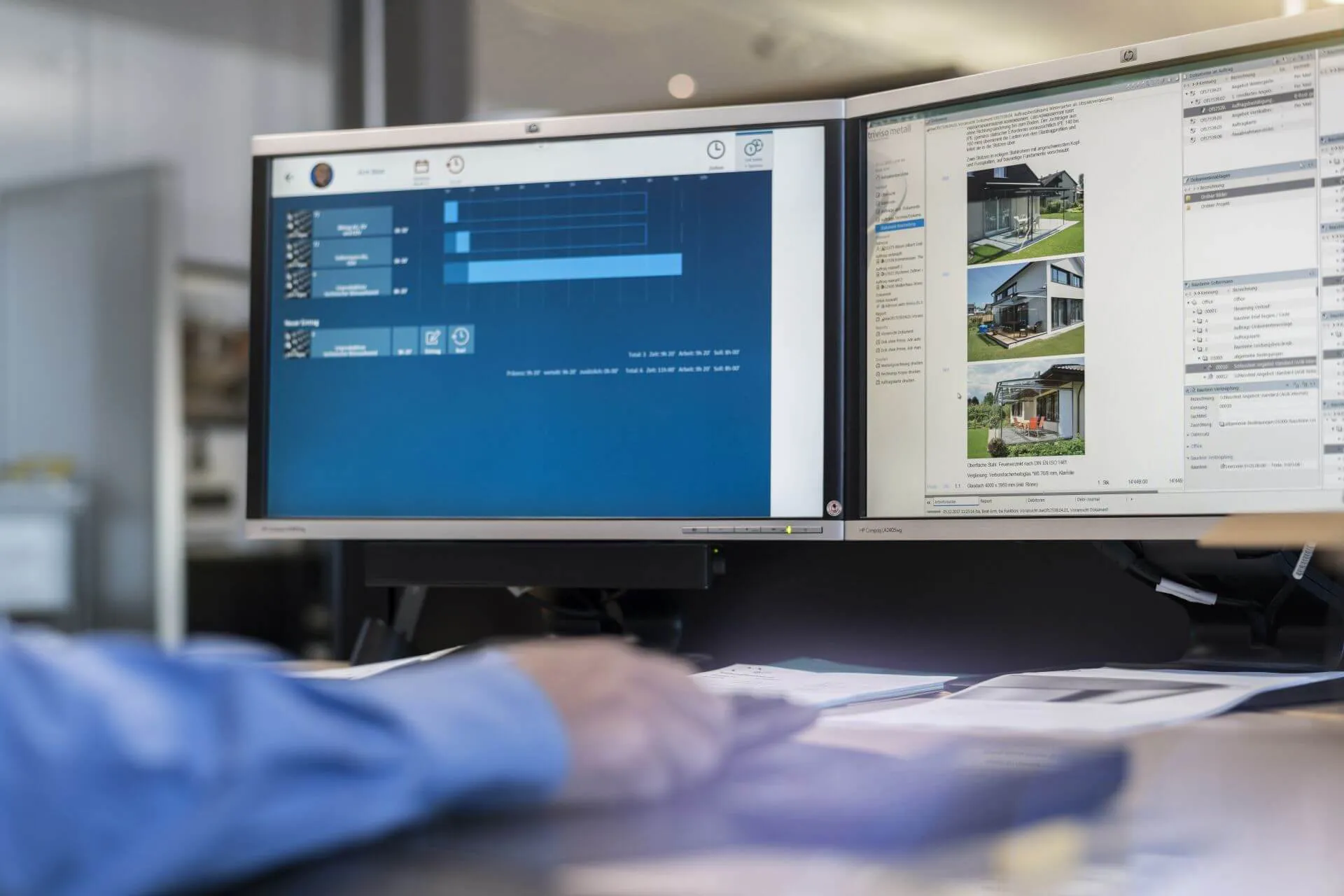

Requirements for dedicated Triviso servers.Constellations with virtual servers and/or additional purposes require different designs.
Operating systems
Windows Server 2025 (interfaces only in consultation) Windows Server 2022 Windows Server 2019 Windows Server 2016 Windows Server 2012 R2 (end of support 10 October 2023!)
Memory (RAM)
32 GB (min. 16 GB)
CPU
Base clock frequency of the processor > 3GHz
Hard disc (HD)
100 GB available storage space A directly connected hard disk system is required for the database (data security, performance):
internal hard discs, RAID1, RAID10 (recommended)
High-quality HDs 10k RPM / 15k RPM (recommended) or SSD
High-quality SAN (Storage Area Network)
Not supported:
Operation from NAS (Network Attached Storage)
Network shares (not even from virtual machines on the same hardware)
Note: NAS and network shares can be used as storage for Triviso document management, but not for the database.
Network
1 Gbit/s
Database
SQL Anywhere is included in the scope of delivery as an OEM version.
Firewall rule
The following port on the server must be open for the client connection to the database: Port 2638 - TCP and UDP protocols (can be changed if required).
Terminal Server
When using terminal services (Windows Remote Desktop, Citrix, etc.), we recommend operating the database server on the same instance. Otherwise performance losses are to be expected (see Performance note).
Virtualisation
Windows Server 2019 and 2022 are recommended when using virtual servers.Compared to bare metal, a drop in performance is to be expected.
BIOS configuration
Maximum performance (configuration varies depending on the manufacturer) The energy settings in the BIOS and operating system must be optimised for the characteristic use. The system must switch to full CPU performance very quickly (often not the case in today's factory settings).
System requirements Client
Operating systems
Windows 11 Windows 10 32/64 bit
Hard disc (HD)
1 GB available storage space
Screen
Resolution Full HD 1920 x 1080 or higher (lower resolutions possible with restrictions)
Graphics card
A good graphics card with dedicated memory is an advantage. With simpler on-board graphics cards, there may be a loss of performance, especially with graphically demanding modules.
Network
1 Gbit/s
Direct recording
System requirements for direct recording
Stationary use
Terminal for direct recording with touchscreen (thin client/PC), single terminal on client in browser (PC)
Resolution
Full HD 1920 x 1080 (recommended)
Network
100 Mbit/s or 1 Gbit/s
Mobile use
Mobile (mobile phone) or tablet
Browser
Current versions of the following browsers: Google Chrome, Mozilla Firefox, Microsoft Edge, Safari. Browsers may differ from each other in the display of the direct entry!
Operating systems
Windows, Android, iOS
Access
Secure access to the Triviso server direct recording or time recording via the Internet (outside the company LAN) is guaranteed by your system administrator. We recommend access via VPN (SSL, IPSec, SSTP) to the company LAN or with a reverse proxy.
Triviso Web
Systemanforderungen Triviso Web
Subject area
Minimum requirement
Recommendation / Conditions
Resolution (screen)
Minimum requirement
1280 × 1024
Recommendation / Conditions
1920 x 1080 or higher
Operating system (OS)
Minimum requirement
A common desktop operating system that supports browsers
Recommendation / Conditions
Examples: Windows 10 / Windows 11, Linux, macOS
CPU / Processor
Minimum requirement
Intel i5 (or similar)
Recommendation / Conditions
Intel i7 or similar processors from other providers
Random access memory (RAM)
Minimum requirement
at least 2 GB (for very simple clients)
Recommendation / Conditions
4 GB or more
Hard disc storage
Minimum requirement
5 MB free memory
Recommendation / Conditions
For intensive uploading/downloading of files according to the size and quantity of the files > 20 MB
Network / Bandwidth
Minimum requirement
10 Mbit/s
Recommendation / Conditions
For intensive upload/download of files > 100Mbit/s
Browser
Minimum requirement
common browser
Recommendation / Conditions
Latest versions of Edge, Firefox, Chrome, Safari
Security / Encryption
Minimum requirement
WebAuthn with FIDO2 key
Recommendation / Conditions
Bluetooth must be available on the client (PC) for 2FA with WebAuthn with a mobile phone.
Questions or an appointment?
Please get in touch here. We appreciate your interest and will contact you promptly.